
Audials One 2023 User Manual for PC

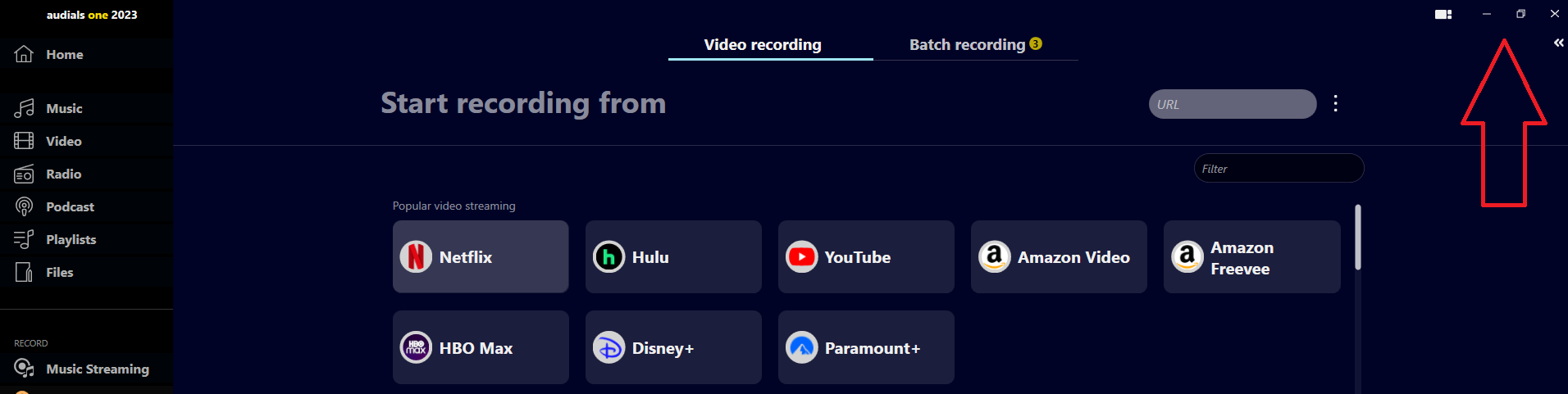
I have searched high and low for a copy of this manual... the only one I can find is in Japanese. My question is how do I minimize the window ?? It is stuck in full screen and I can find no visible way to minimize it. Thank you.
-

You can find how-to articles here: https://support.audials.com/hc/en
-
Hi,
you should type in search Windows: regedit
hit 'Enter' - > the Windows Registry Editor will open
-now just paste there the following location:
Computer\HKEY_CURRENT_USER\SOFTWARE\Audials\Audials_2023\Common
-scroll down and you will see the ZoomFactor .
-Correct the value to '100' or even lower if the Audials window is still too large on your desktop.

Please sign in to leave a comment.
Comments
4 comments