
No Tagging in Spotify Audials one 2022

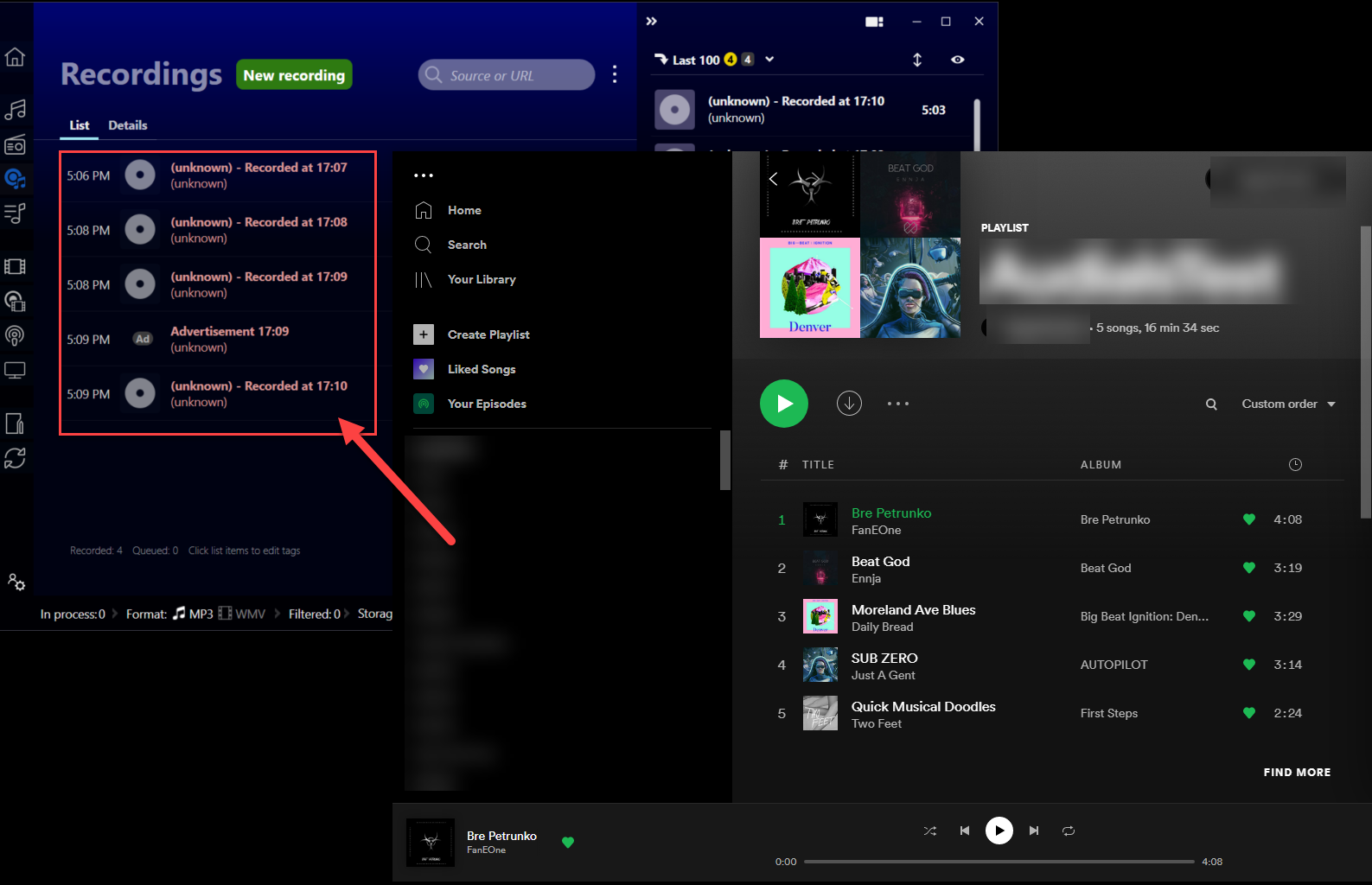
I have been a customer since Audials 2017 and have upgraded along the way. Every year or so I upgrade. I recently tried to stream/tag some Spotify songs. The Tags did not read. Tried normal and fast. Then I installed 2017, 2019, 2020 different versions all seem to stop tagging. So I decided to upgrade/pay for/install Audials One 2022. Same problem. Tried normal and fast and then tagging both ways (Let Audials/Ask Origin Source). At this point every song is unknown. Have been a customer for 5 years upgrading and I hope to get some support.
-

Hi,
just made a quick test and using the recording while playing the song from Spotify went successfully
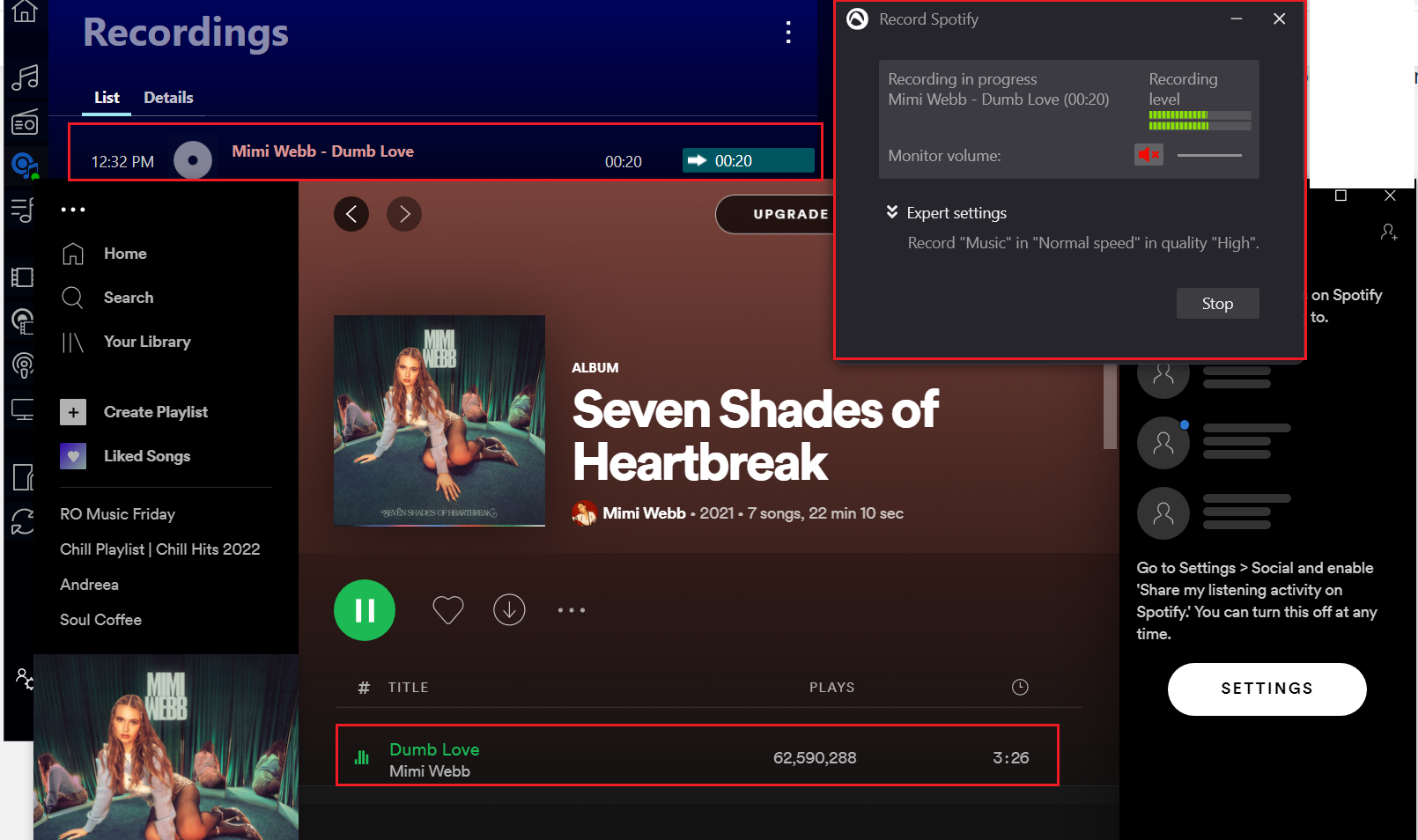
Maybe if you could provide more details here we can come with some further suggestions like your Spotify complete version number, used recording method: drag and drop or record while playing / normal or high speed? used album/playlist link so that we can test with the same details ... attach a few screenshots illustrating the steps you do and also illustrating the problem
-
Audials 2022.0.161.0, built on 12/20/2021
Streaming Service 3.3.728.0
Server: prod-asky01.audials.com/
production_20211217_102114_7df0380ab5a7High Speed
Ask Provider for taggingI have a video showing the entire process but I don't want to post it because it shows my username etc.. where can I email it ?
-
you should email it to support@audials.com
Please sign in to leave a comment.
Comments
3 comments